
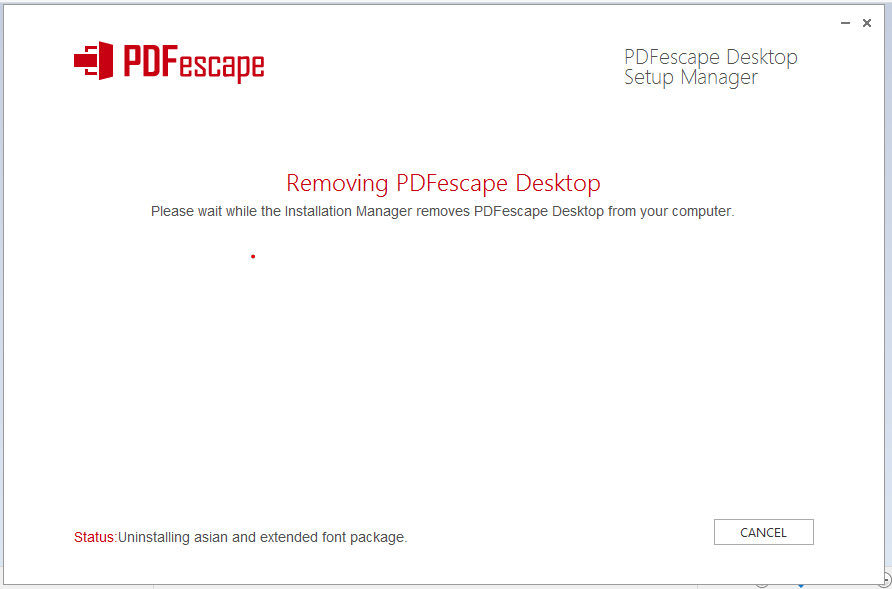
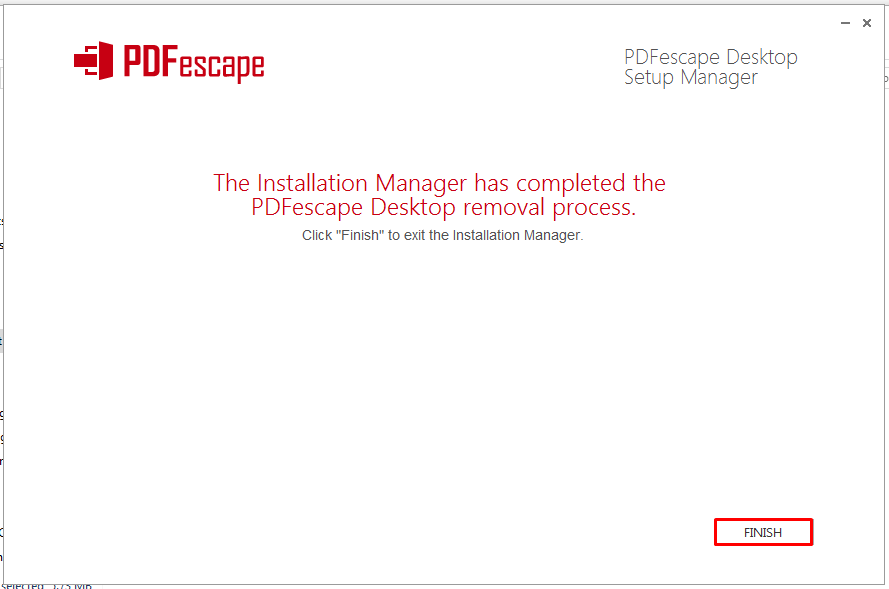
Before uninstalling, we recommend saving any open files in PDFescape Desktop. PDFescape Desktop will prompt you to close the application should it be open during the removal process.
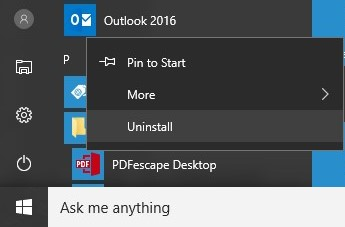
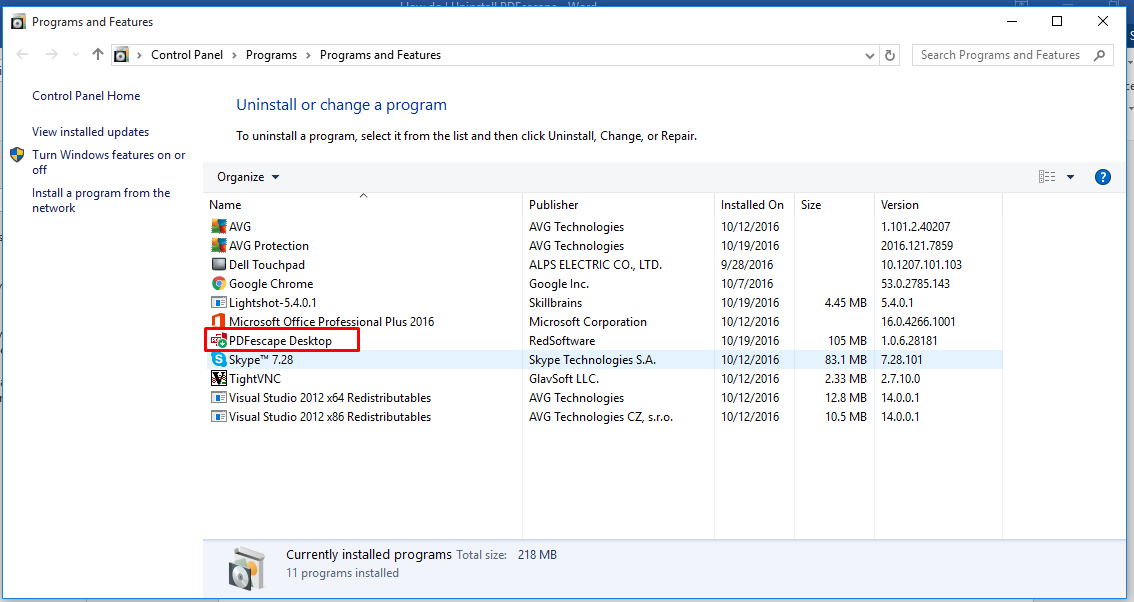
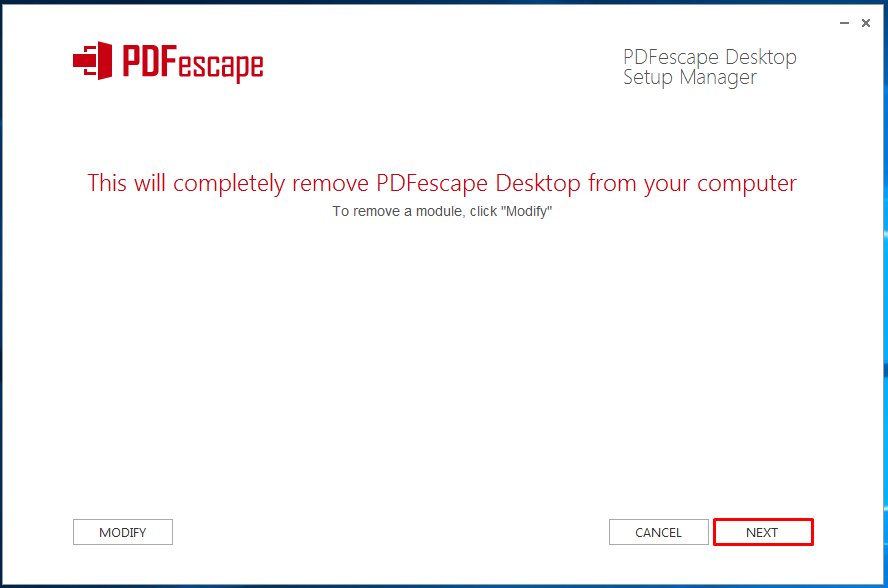
Then, start uninstalling PDFescape Desktop using the Start Menu or Control Panel.
If you have issues uninstalling, please try the PDFescape Desktop Removal Tool.
The uninstall or change a program window will open.


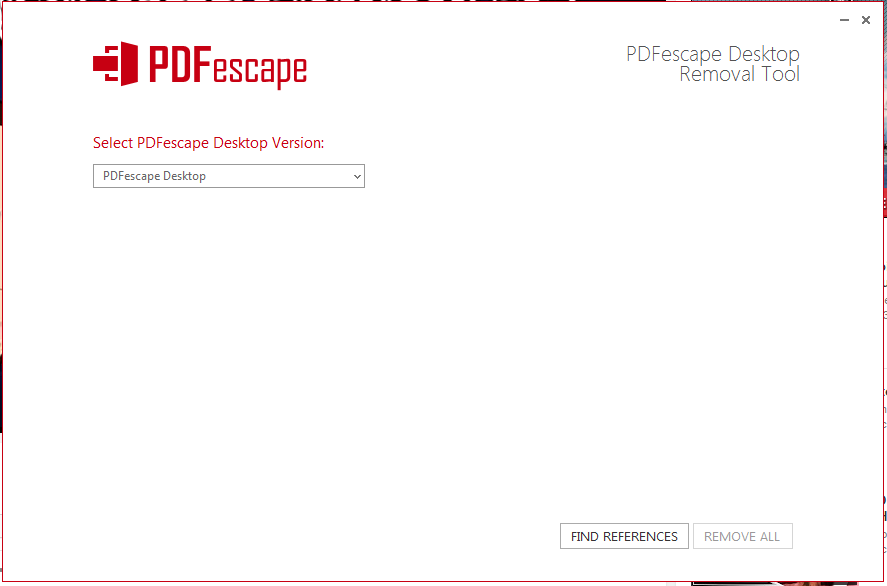
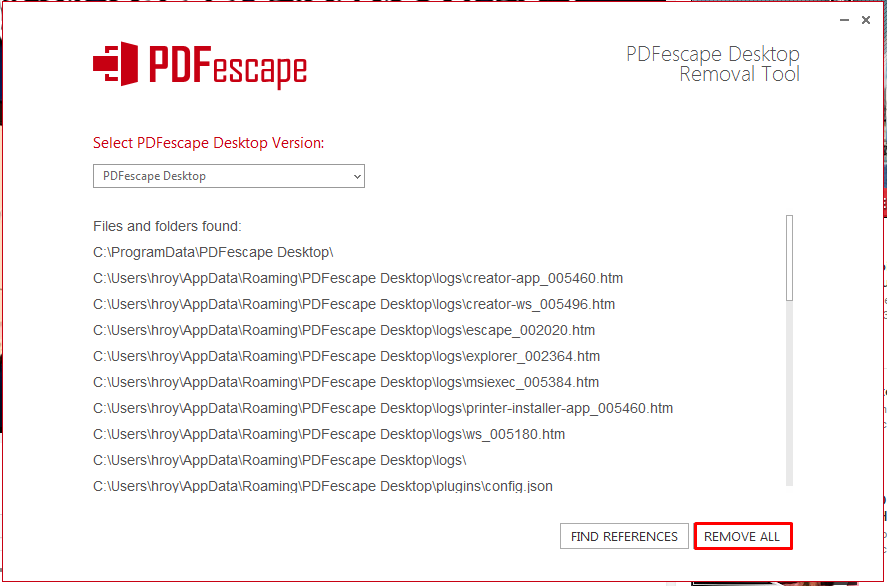
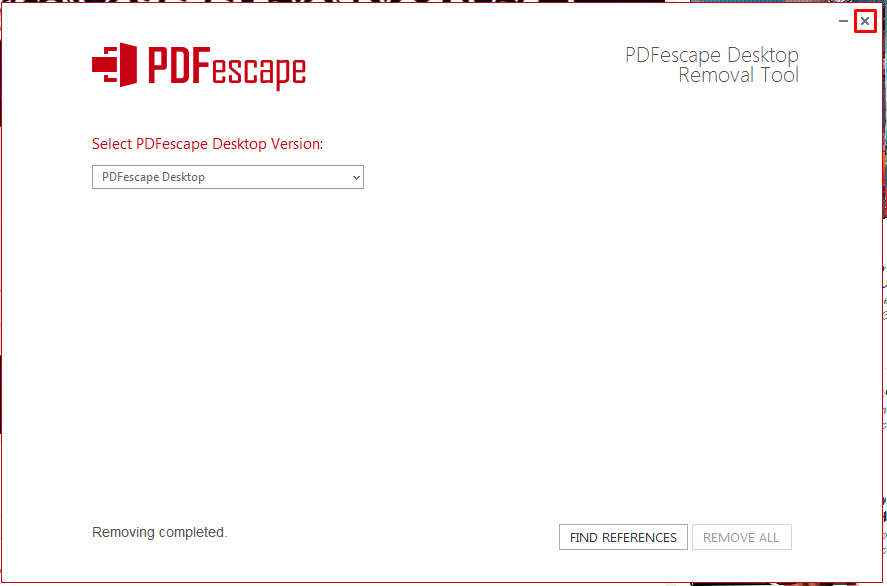
In the event PDFescape Desktop does not uninstall normally, you can use the removal tool. This is a separate application which will search your computer for any traces of PDFescape Desktop and remove them.

If you are still having issues please contact support.


